CarSyncTech
Toyota Highlander Head Unit Decoder CarPlay/AndroidAuto (2014-2019) - [Pioneer Head Unit]
Toyota Highlander Head Unit Decoder CarPlay/AndroidAuto (2014-2019) - [Pioneer Head Unit]
4.67 / 5.0
(3) 3 total reviews
Couldn't load pickup availability
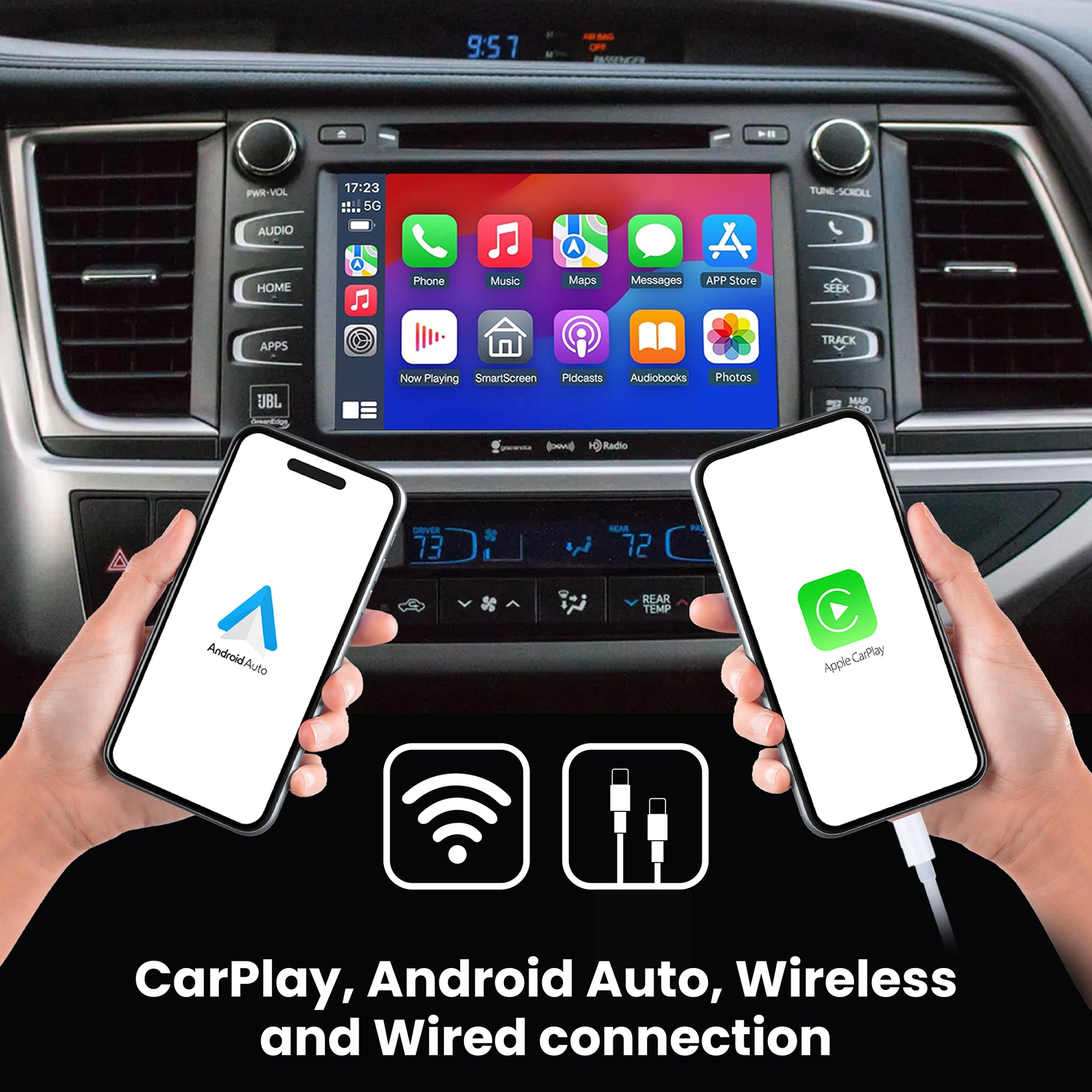
Keep your phone in your pocket and benefit from the use of Apple CarPlay and Android Auto. Keep the factory functionalities of your radio and steering wheel buttons. Say Hey Siri! and have a personal assistant ready to help you write/answer text messages, schedule appointments/reminders or play your favourite songs.
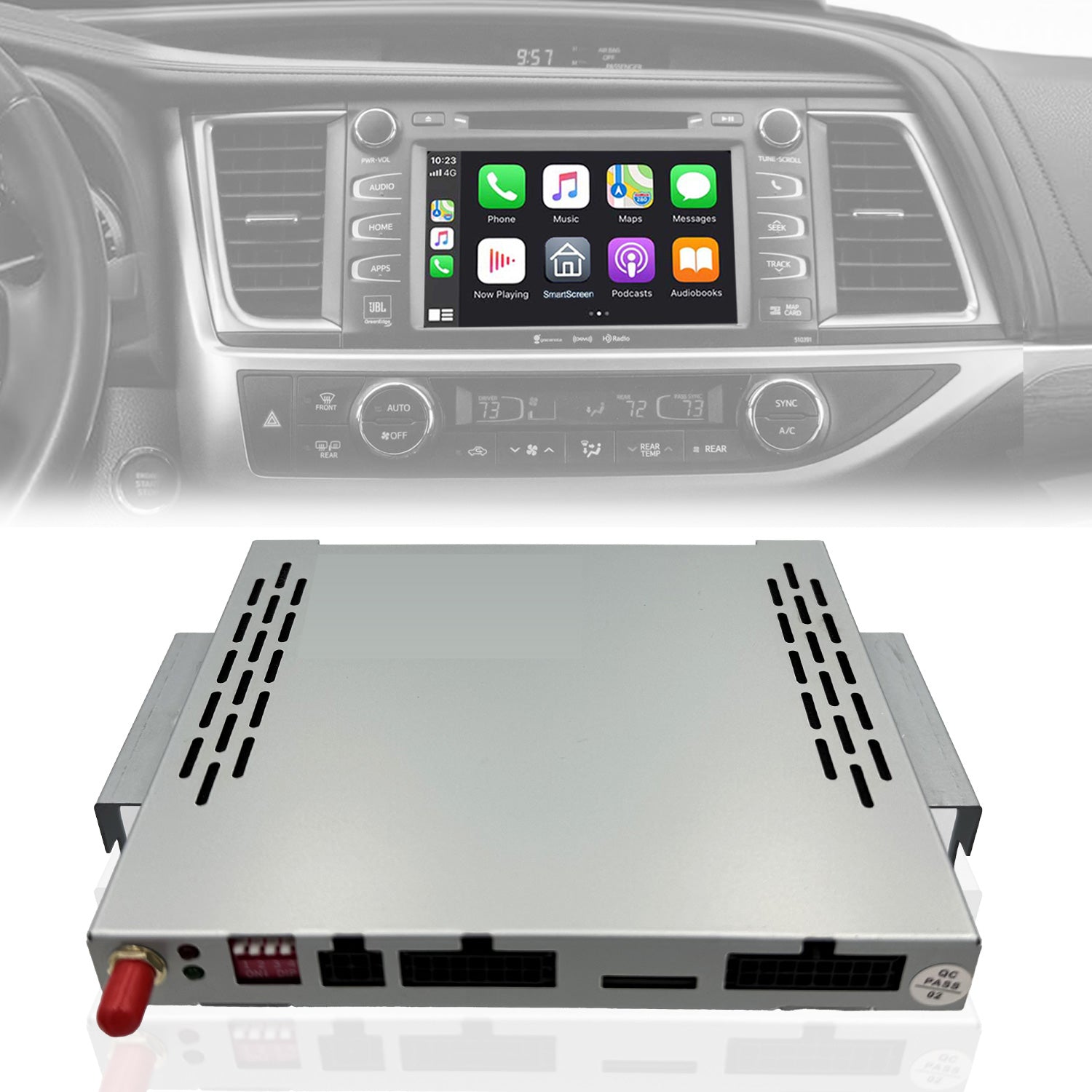
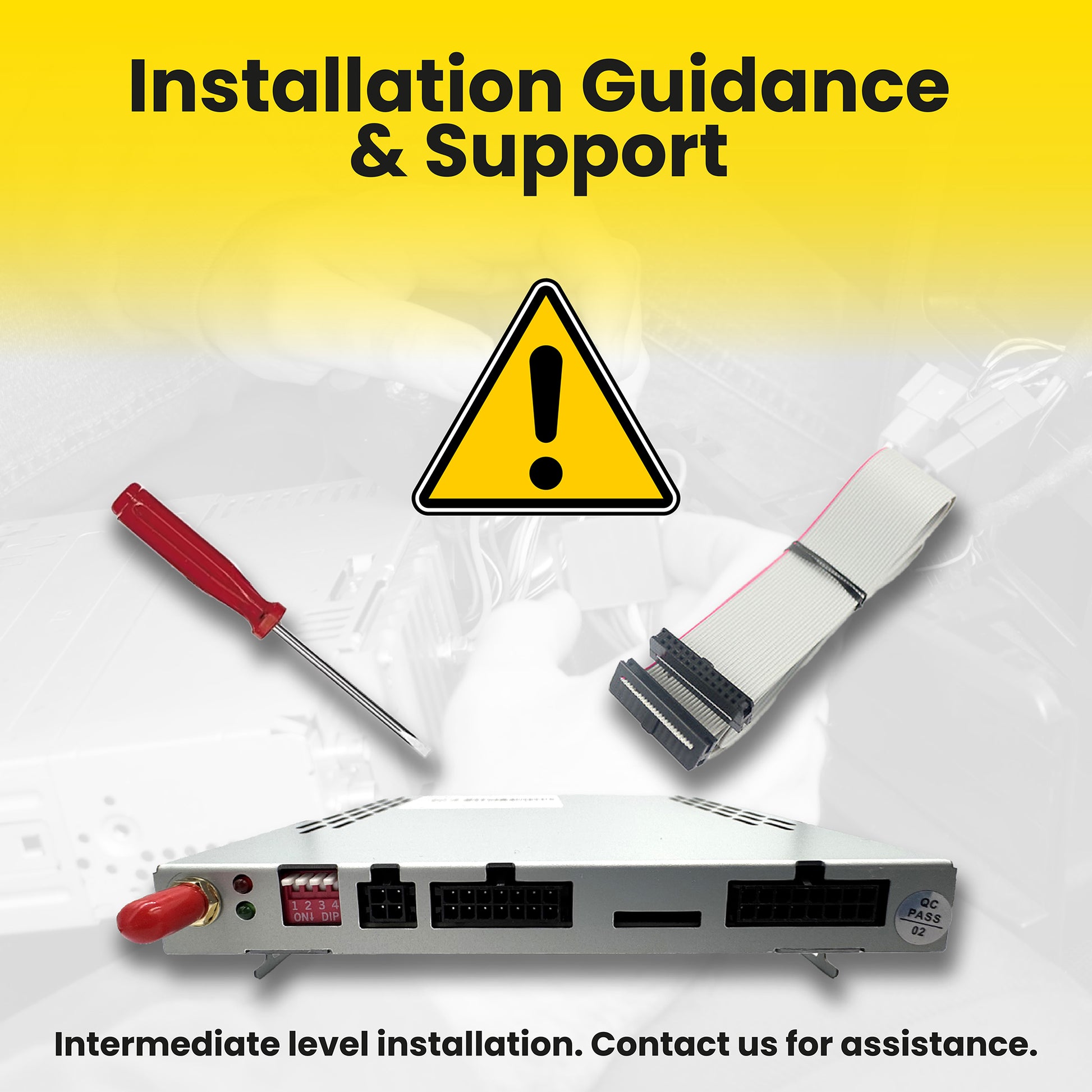
All in one slim small box that mounts directly to your radio unit (intermediate level installation is required). This product seamlessly enhances the original factory system by adding an intermediate module. It preserves the car screen, style, and functions while enabling CarPlay/Android Auto and Mirroring (please note Mirroring has been disabled by iPhone latest iOS, we are working on a software update), transforming it into a versatile all-in-one intelligent radio unit.
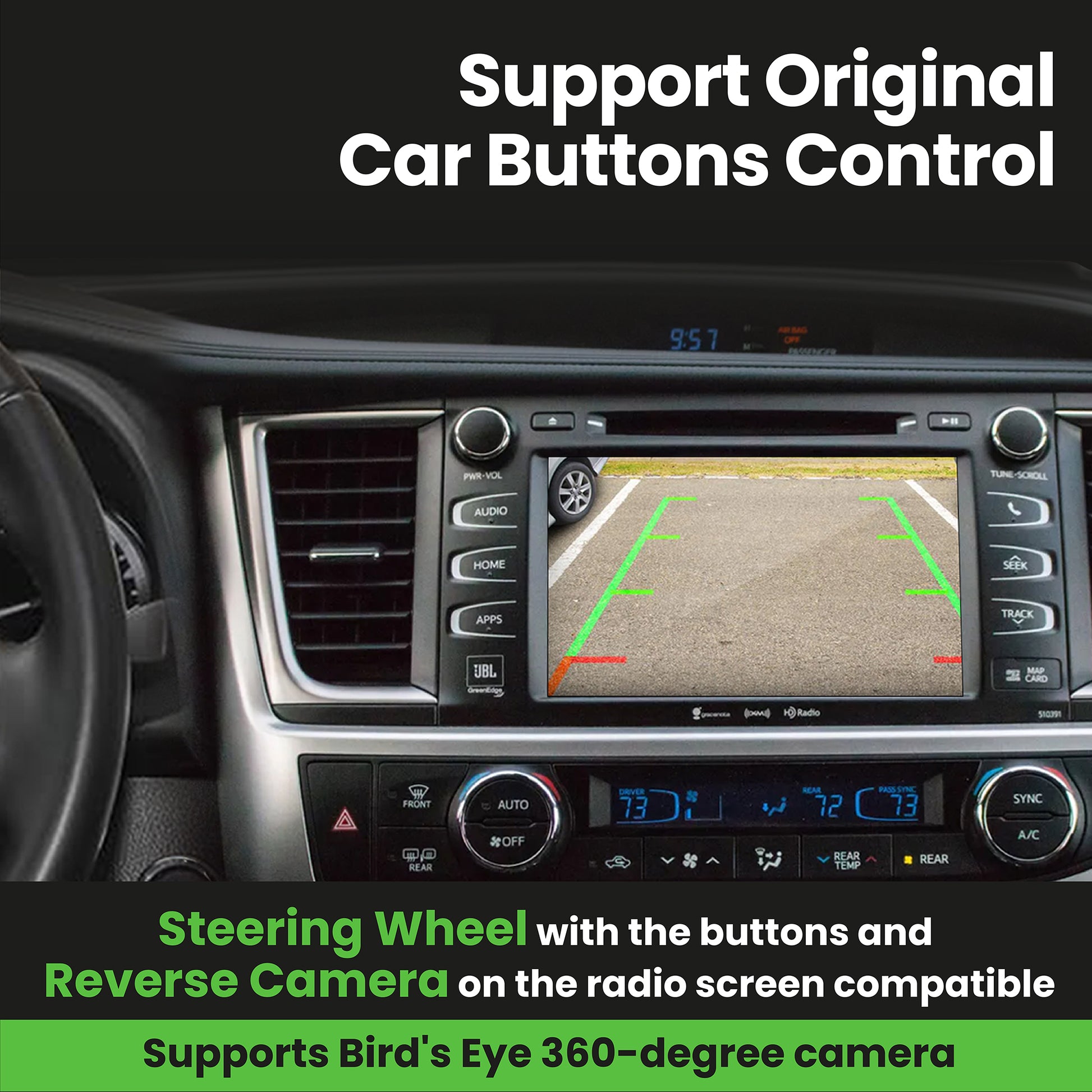
The system also uses the original car microphone and It is compatible with the car's steering wheel controls, such as up/down song controls, and answering/hanging up calls. It also incorporates a one-button Siri function for easy access to the CarPlay system, making it more user-friendly.
Decoder specifications:
- Linux Architecture
- Wifi 5GHz & 2.4GHz
- Bluetooth 5.0
- USB interface (up to 32 GB)
Decoder package contents:
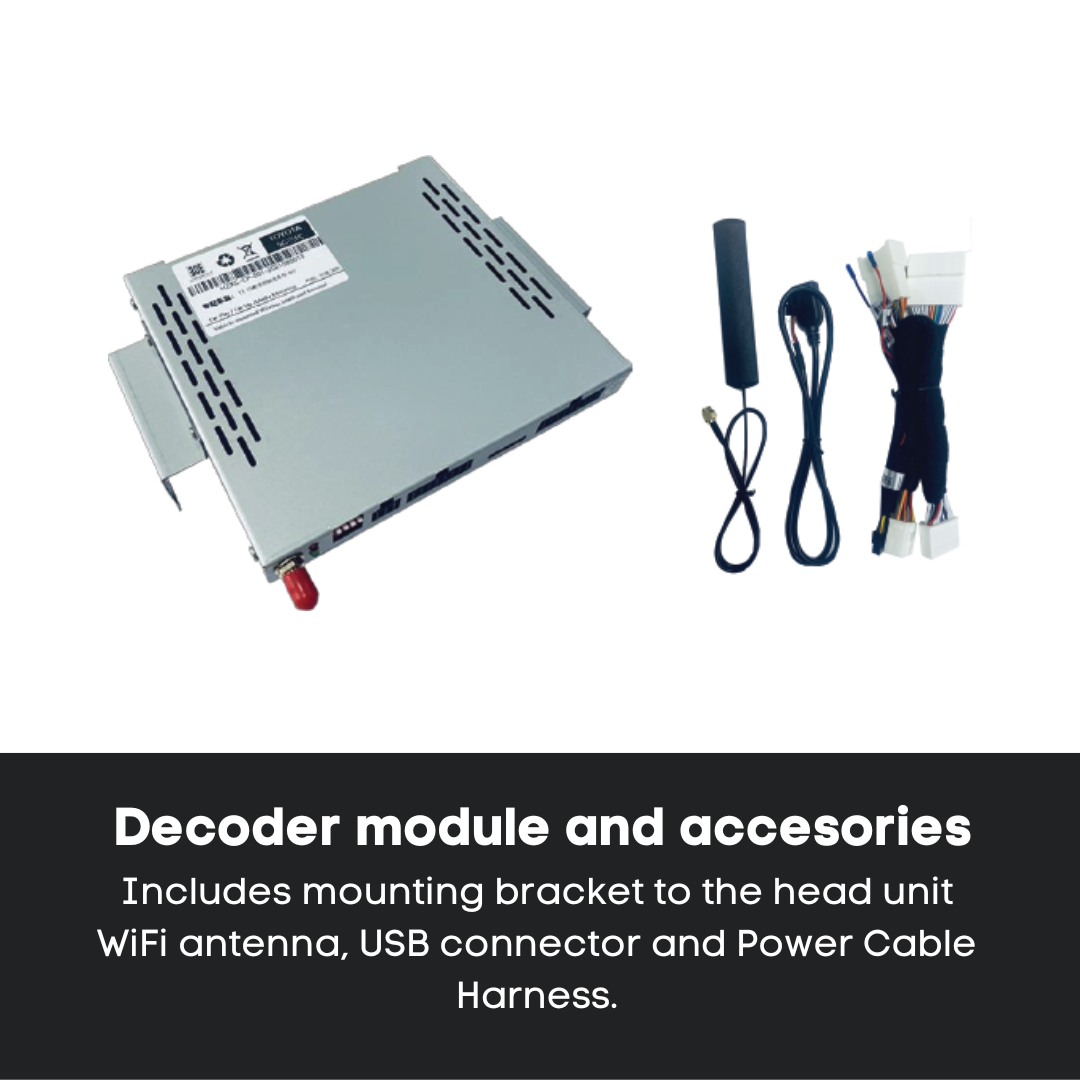
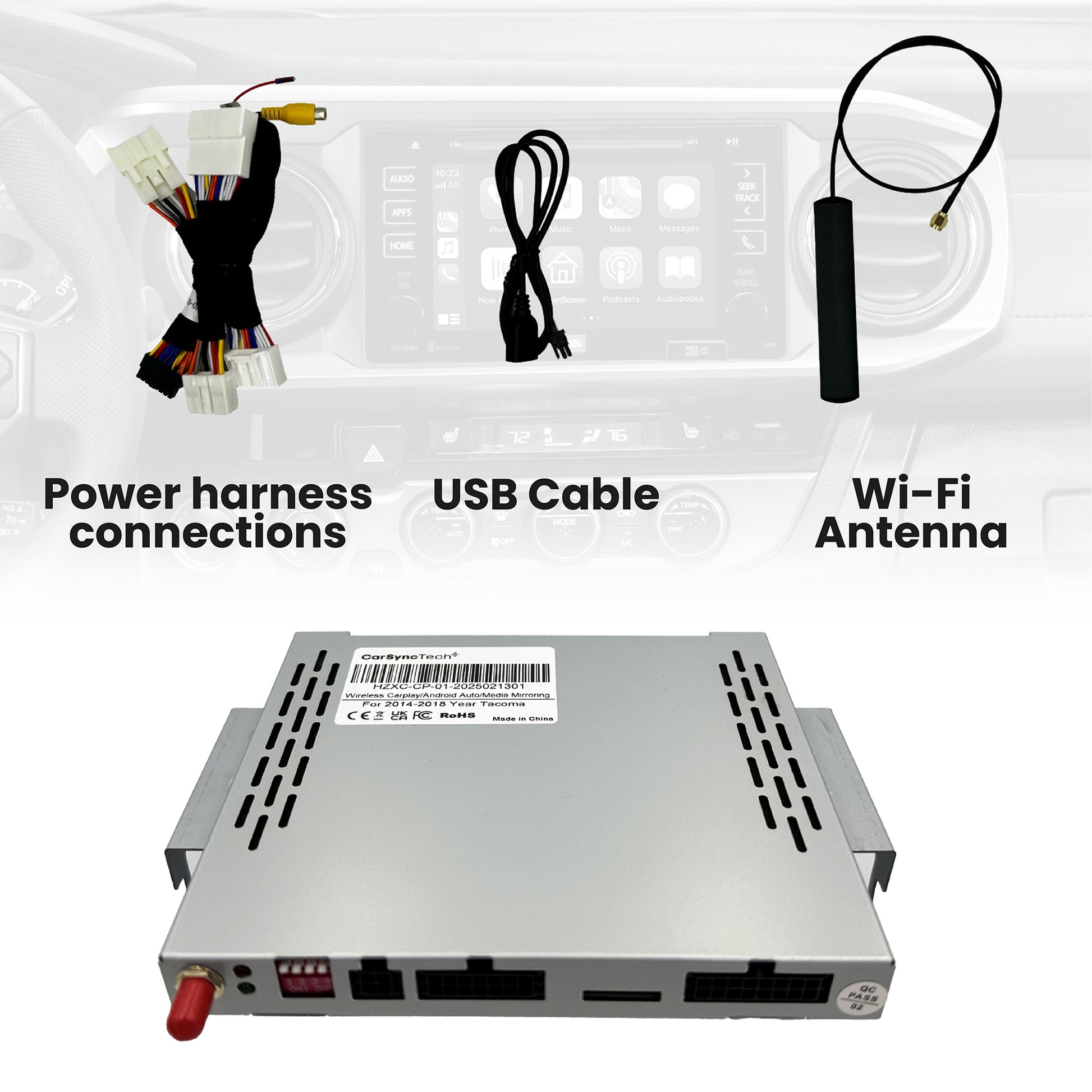
- Module unit with mounting brackets.
- WiFi antenna.
- USB connection cable.
- Cable harness connectors for module and factory radio.
- This instruction manual.
Share
![Toyota Highlander Head Unit Decoder CarPlay/AndroidAuto (2014-2019) - [Pioneer Head Unit]](http://carsynctech.com/cdn/shop/files/CarSynctech_Amazon_THL-01.jpg?v=1742761668&width=1445)
![Toyota Highlander Head Unit Decoder CarPlay/AndroidAuto (2014-2019) - [Pioneer Head Unit]](http://carsynctech.com/cdn/shop/files/CarSynctech_Amazon_THL-02.jpg?v=1759602962&width=1445)
![Toyota Highlander Head Unit Decoder CarPlay/AndroidAuto (2014-2019) - [Pioneer Head Unit]](http://carsynctech.com/cdn/shop/files/CarSynctech_Amazon_THL-04.jpg?v=1759695789&width=1445)
![Toyota Highlander Head Unit Decoder CarPlay/AndroidAuto (2014-2019) - [Pioneer Head Unit]](http://carsynctech.com/cdn/shop/files/CarSynctech_Amazon_THL-03.jpg?v=1759604529&width=1445)
![Toyota Highlander Head Unit Decoder CarPlay/AndroidAuto (2014-2019) - [Pioneer Head Unit]](http://carsynctech.com/cdn/shop/files/CarSynctech_Amazon_THL-05.jpg?v=1759695789&width=1445)
![Toyota Highlander Head Unit Decoder CarPlay/AndroidAuto (2014-2019) - [Pioneer Head Unit]](http://carsynctech.com/cdn/shop/files/HighlanderCompatibility_2.jpg?v=1742761668&width=1445)
![Toyota Highlander Head Unit Decoder CarPlay/AndroidAuto (2014-2019) - [Pioneer Head Unit]](http://carsynctech.com/cdn/shop/files/IMG-8380_e3c6b41d-f63b-45cb-9d42-9fb4454acfdf.png?v=1742761668&width=1445)
![Toyota Highlander Head Unit Decoder CarPlay/AndroidAuto (2014-2019) - [Pioneer Head Unit]](http://carsynctech.com/cdn/shop/files/IMG-8377_64ac210f-9f7d-44bf-be73-cad589dbd33a.png?v=1742761668&width=1445)
![Toyota Highlander Head Unit Decoder CarPlay/AndroidAuto (2014-2019) - [Pioneer Head Unit]](http://carsynctech.com/cdn/shop/files/CarSynctech_Amazon-07.jpg?v=1760823221&width=1445)
![Toyota Highlander Head Unit Decoder CarPlay/AndroidAuto (2014-2019) - [Pioneer Head Unit]](http://carsynctech.com/cdn/shop/files/CarSynctech_Amazon-06.jpg?v=1760823221&width=1445)
I purchased the CarPlay decoder from Carsyntech to add Apple CarPlay to my factory head unit and the experience has been very positive. Amazing customer service and they respond to queries immediately.
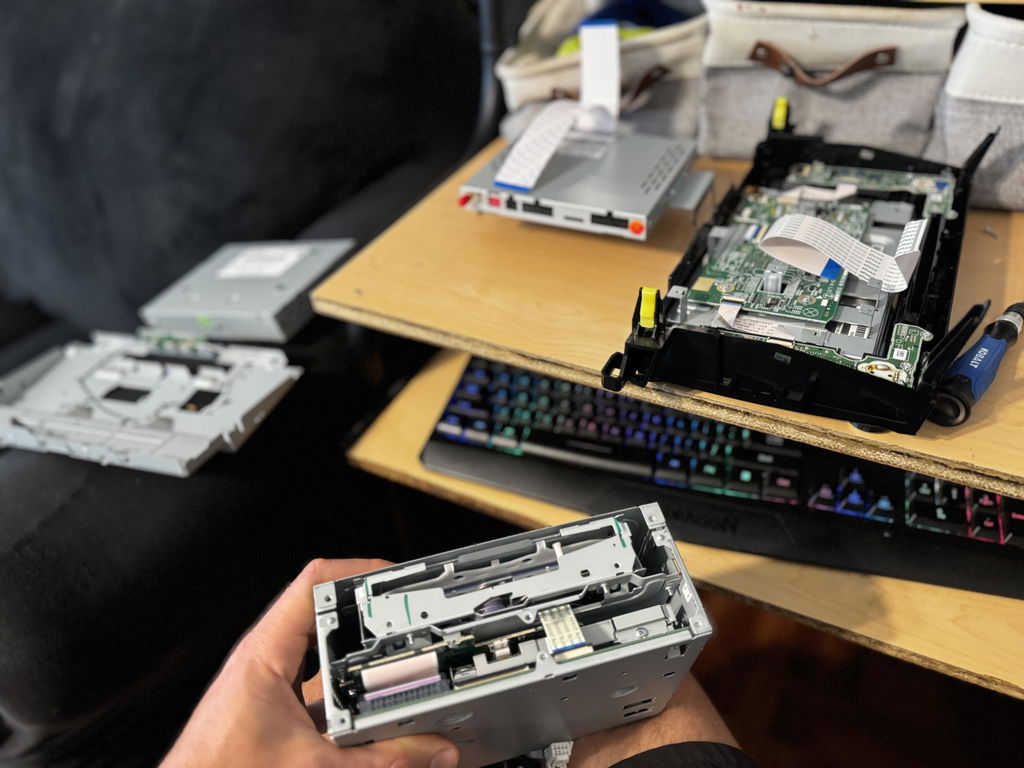
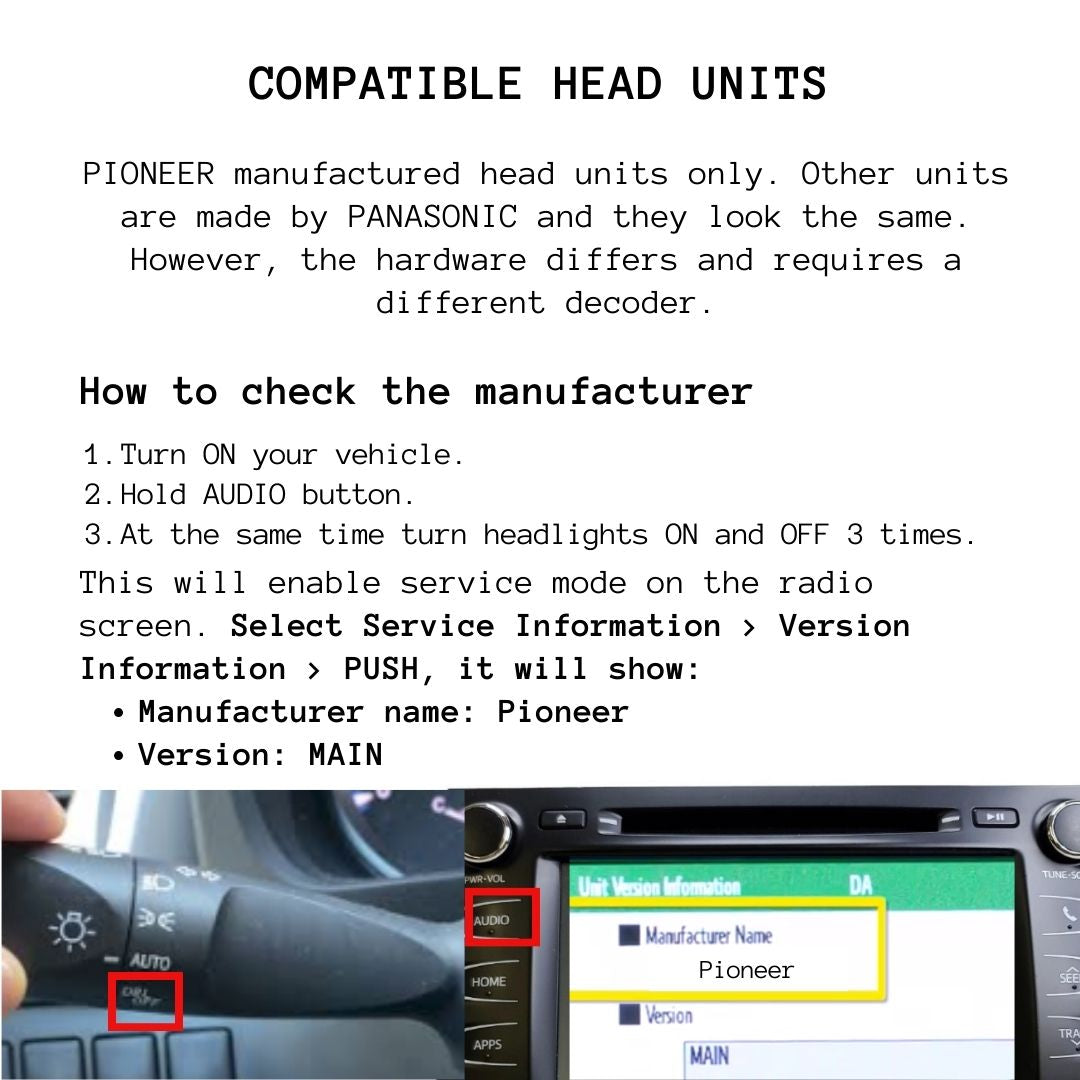
The installation was straightforward even though the YouTube installation video didn't exactly match my Pioneer head unit. With a little patience everything fit and worked as expected.
Wireless Apple CarPlay is very responsive on the factory touchscreen and automatically loads in about 15 seconds reconnecting to the last paired iPhone. If you want to switch to a different phone you simply open the submenu and select the other device. The process takes only about 5 seconds and is quick and easy.
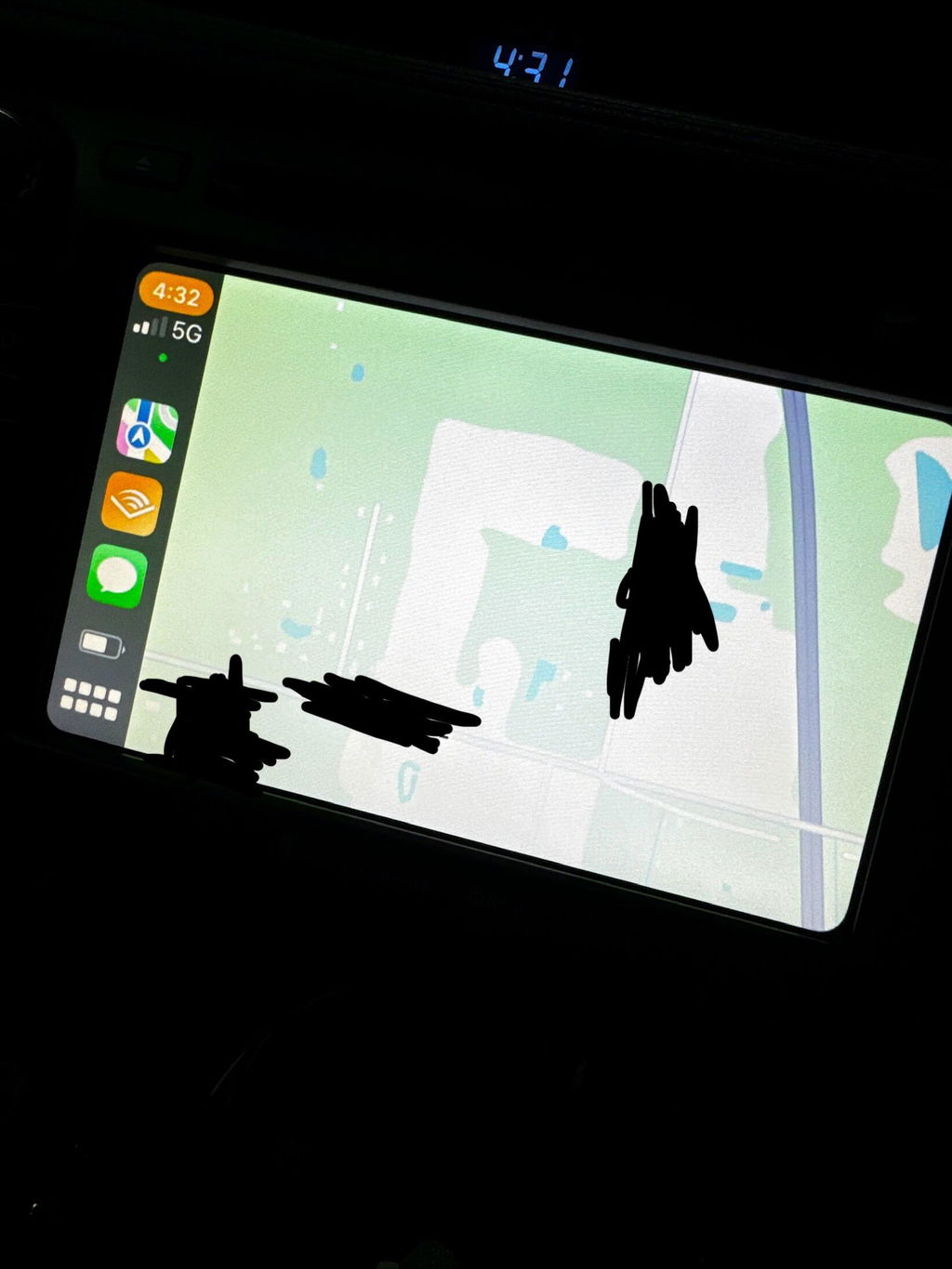
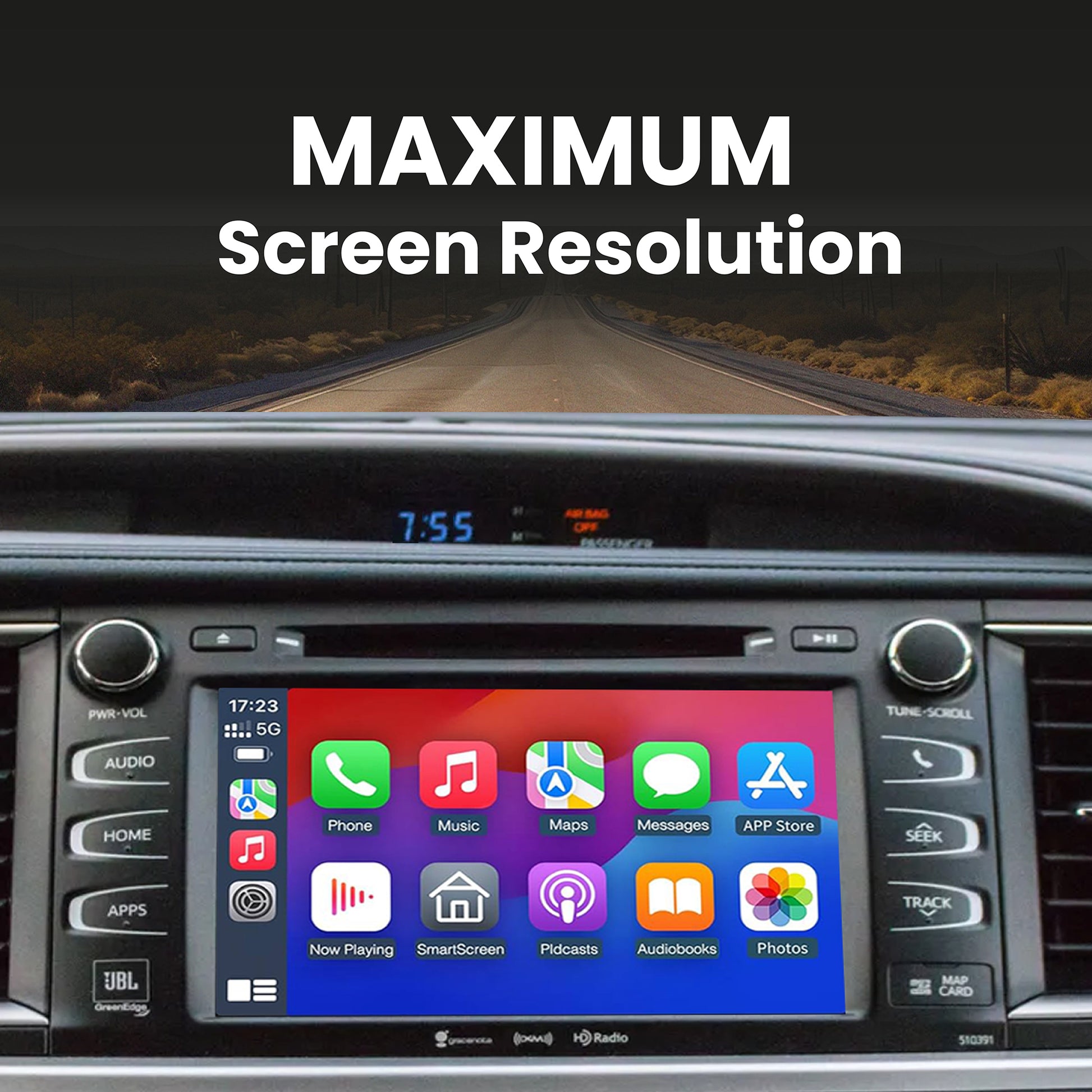
The display quality is excellent, with a sharp, clear image that looks like a factory installed system. All of the original Toyota functions remain fully operational which was important to me. One of the biggest advantages is that the system retains the stock appearance of the dashboard making it look like original factory display.
Overall I am very pleased with this upgrade to my 2018 Toyota Highlander. I am using my Sirius XM phone App to continue receiving my favorite channels. My son-in-law installed the CarPlay unit without any trouble. We just returned from a long trip and having CarPlay was a big improvement over using my phone for navigation as well as the many options for listening content. Biggest glitch came with switching phones (as someone else drove my Toyota at times), but a few changes in settings usually solved the problem. Currently, I still have to go to Settings for get bluetooth connected from my phone every time I use it, but this is well worth the trouble to have the CarPlay features. I like the fact that my phone just has to be in the car....not attached to a cord.
Installation was pretty easy even though the video on YouTube wasn’t exactly like my pioneer model. CarPlay is very responsive to the touch screen and loads in about 15 seconds automatically to the last connected iPhone. If we switch cars you have to go into the sub menu and select the other phone. It takes an extra 5 seconds and seems pretty easy. The resolution is excellent and all the other stock functions of the car are there. I like that it also looks stock and won’t change the risk of someone breaking into the car. I edited the photo to remove my location and street name, but wanted you to see the quality of the screen.